The quick check's plan is the one you apply with
Mark programs in or out of your plan on the results page, and Apply for me opens an application for exactly those.
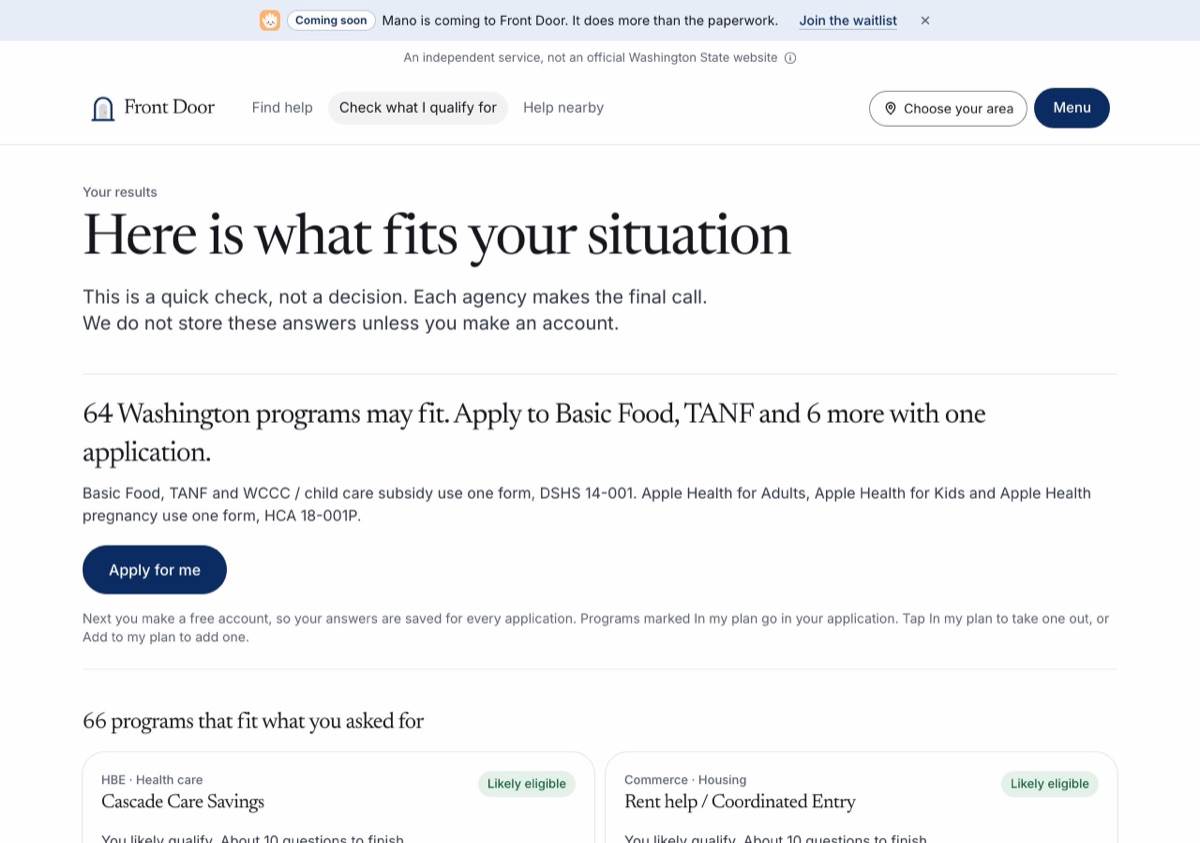
- Each program on the quick check results has an Add to my plan button. Tapping it changes the plan right there, with no sign-in.
- Apply for me opens one application for the programs in your plan. Before, it opened the plan saved on your account, which could be empty or out of date.
- The results say how many Washington programs may fit and name the ones in your plan.
- If your account is set to another state, the quick check asks first: programs in your state, or Washington’s anyway.
- 211, 988, the domestic violence hotline and 911 are listed under the questions and the results. Choosing Safety shows the crisis lines right away.
- Your answers survive a refresh. They stay in that browser tab only, are cleared when you close it, and never carry over to a different person signing in on the same tab.