Sign in right here
Sign in on our own page with a password or an emailed code. A front page that starts with your question, and a new state picker.
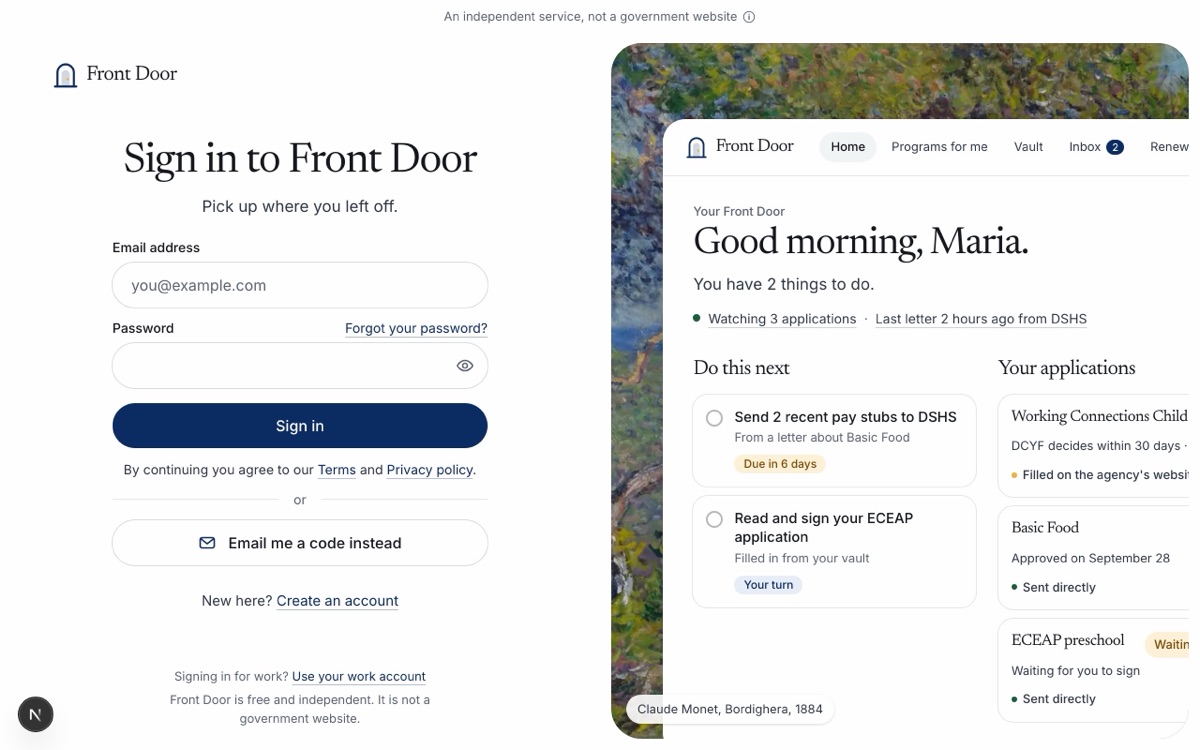
Signing in used to send you to another company’s screen, and the Continue with Google button did not work. Now you sign in on our own page.
- Sign in with your email and a password, or press “Email me a code instead” and type the 6-digit code we email you. No password needed for that.
- Make an account with your email and a password. We email you a code to check the address, then you are in.
- Forgot your password? We email you a link to make a new one on our own page.
- Clear messages when something goes wrong: a wrong password, an email that already has an account, or a code that expired. Too many tries in a row are slowed down for a few minutes.
- Continue with Google is gone.
- Work sign-in and the demo site work as before.
The front page now starts with your question and then shows what we do and why.
- The big box and the topics stay at the top.
- “What Front Door is” shows big numbers from our latest check: all 50 states and DC, every county, cities and towns, state agencies, local offices, official pages checked and local nonprofits. Each number is rounded down, never up.
- “How it works” in three steps: ask, see programs and places near you, then apply and keep track.
- Life events moved to the footer, in a column of their own. The life event pages are the same.
Choosing a state is easier.
- The Choose a state button, “Not in New York? Change”, “Which state are you in?”, “Where are you?” and the state list share one picker.
- Type a few letters of a state, a ZIP code, or a city (“Portland” asks which one). The state you picked last time sits on top.
- It works with the keyboard and screen readers, and fills the screen on a phone.
Staff-made test residents now get a real Front Door inbox address, the same as everyone else.