Find help by text
Text what you need and get three places back. Reply SAVE to keep one.
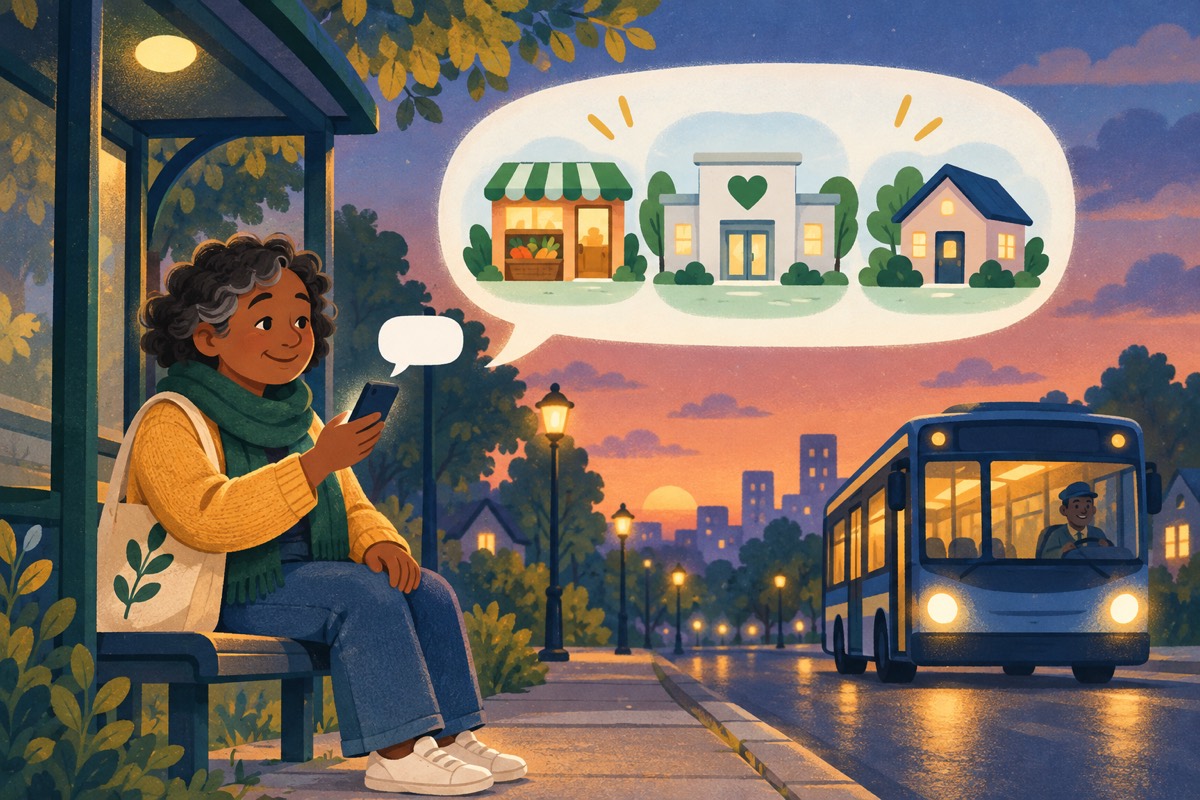
Not everyone has data or a smartphone handy. If you have turned on texts, you can now find help without opening Front Door at all.
- Text what you need to the Front Door number, like “food bank” or “shelter tonight”. You get three places near you back, with phone numbers and a link to see more.
- Reply SAVE 1, 2, or 3 to save one to your account. PLAN saves it as somewhere you are going. DONE marks that you got help there.
- Questions and photos still go to your inbox, the same as before.
- Replies follow the same rules as every Front Door text: only when your texts are on, never between 8pm and 8am, and STOP always works.
- Live texting starts once the Front Door number’s carrier registration is complete.